An AI writer that lives in Google Docs
Select text and improve it, continue writing, summarize, outline, proofread or translate — then replace the selection or insert below. No copy-paste, no add-on installs.
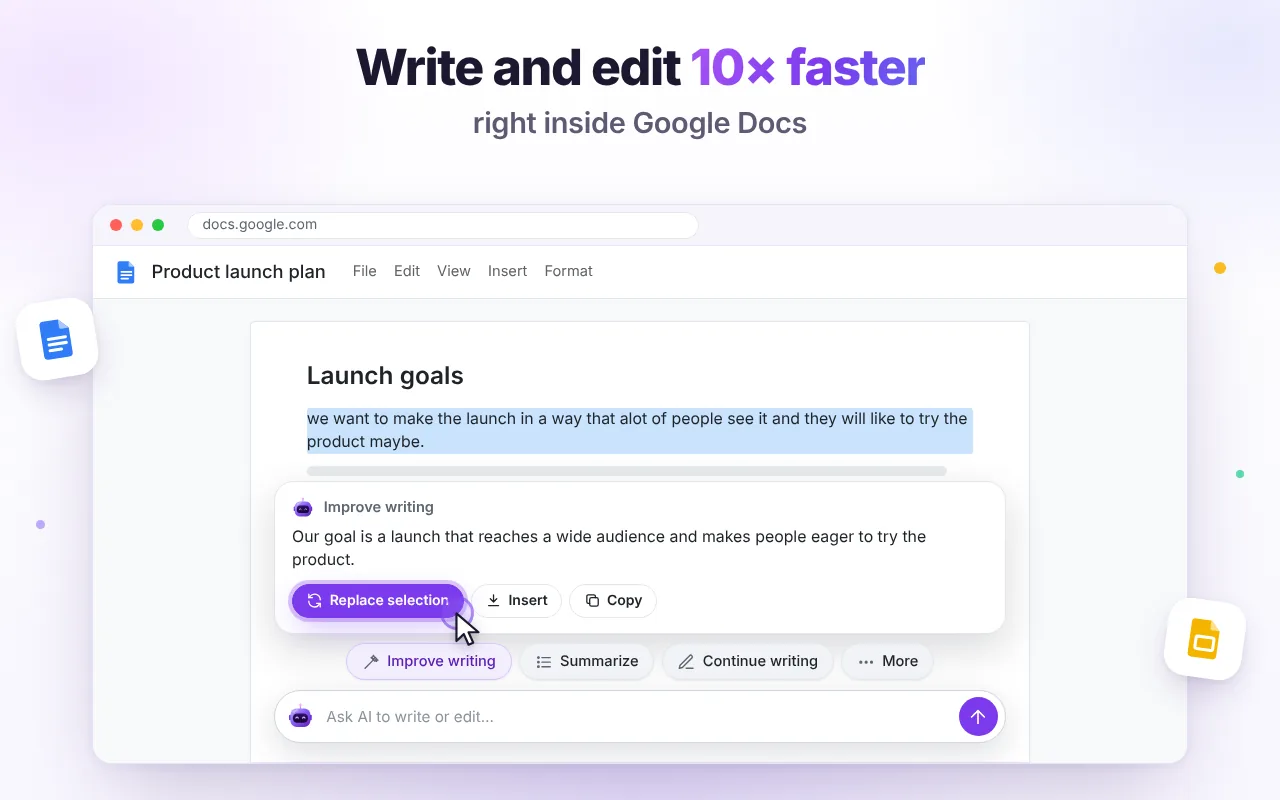
Fix a paragraph without leaving the page
The AI bar at the bottom of every document shows one-click actions. Select a sentence or a whole section — the result appears in a card with Replace selection and Insert.
- Clearer, shorter or more formal — same meaning
- Keeps the language of your document
- Works on the selection or the whole doc
Draft, outline and review faster
Continue a doc in its own style, build an outline, or get a proofreading table with original, suggestion and reason.
- Turn notes into a structured document
- Create a new Google Doc from any AI answer
- Ask questions about a long document
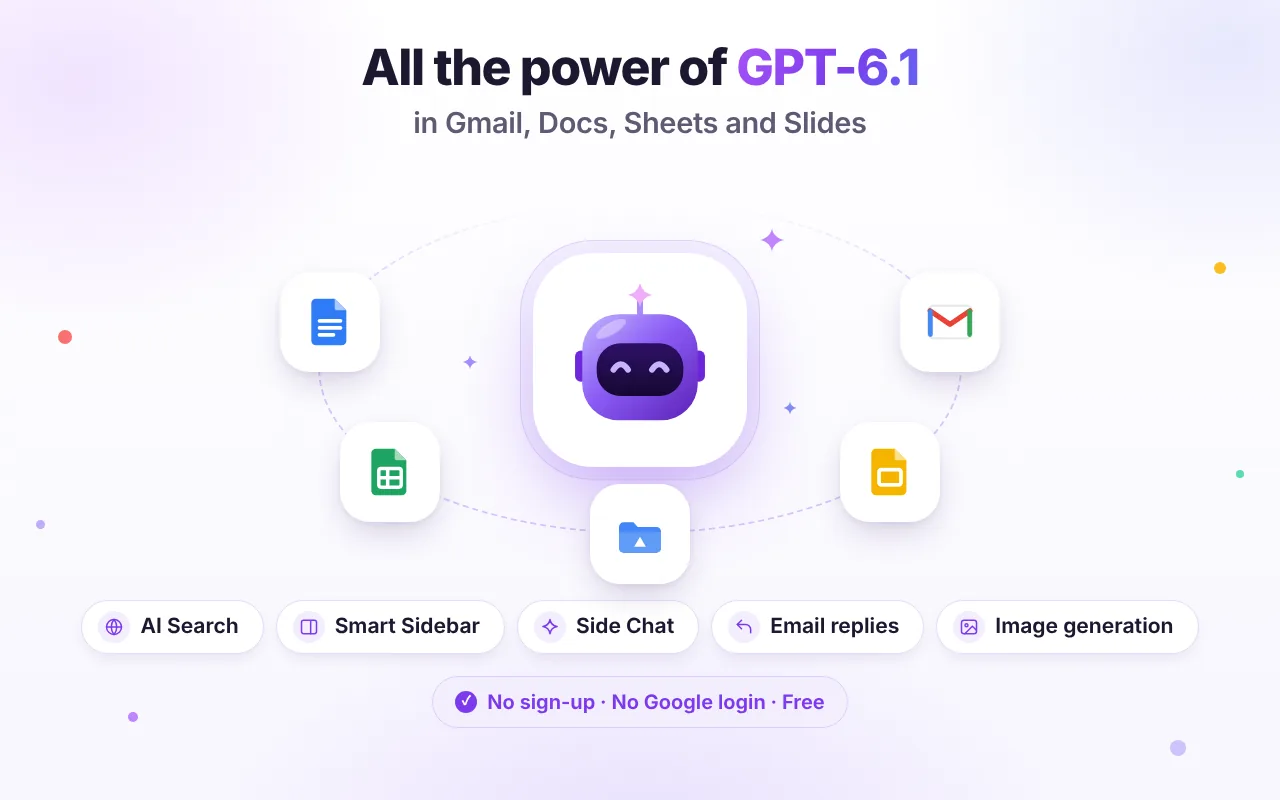
Ready-made actions, zero prompting
Every action reads the current context, so you don't have to explain what you're looking at.
Improve writing
Clearer and more concise.
Continue writing
Two more paragraphs in your style.
Summarize
Overview and key points.
Outline
Headings and bullets.
Proofread
Spelling, grammar and style table.
Translate
Keep structure, change language.
Good to know
Is this a Google Workspace add-on?
No. It's a Chrome extension, so there's nothing to install in your Google account and no permissions to grant there.
How does the text get into my document?
When you click Insert or Replace, the extension pastes the result at your cursor, the same way you would with Ctrl+V. The answer is also copied to your clipboard as a fallback.
Can I hide the AI bar?
Yes. Turn off “AI bar in Google Docs” in the extension menu at any time.

Try it free in Chrome
Install once and the AI tools appear where you work. No sign-up, no Google login.