AI for Google Sheets that does the boring part
Select cells and clean messy data, add totals, explain what's going on, suggest charts or generate a ready table — and paste it straight into your sheet.
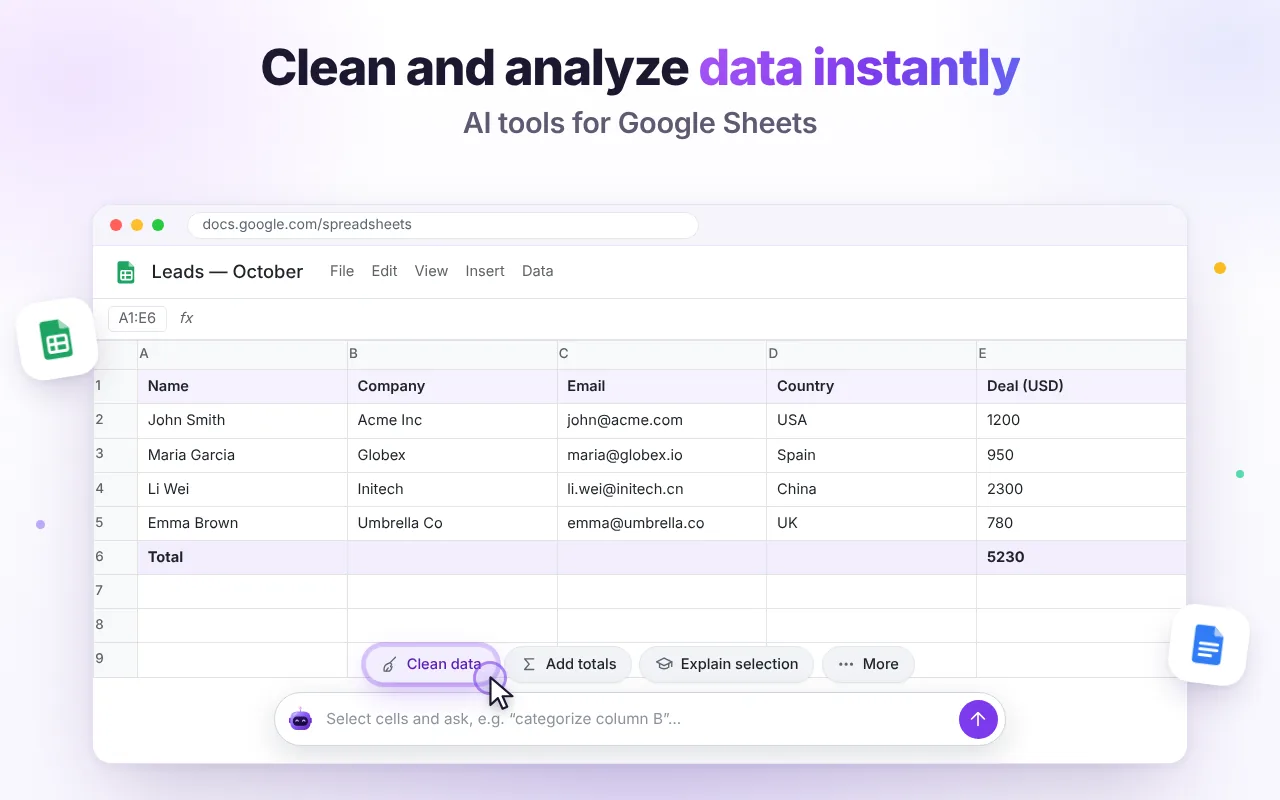
Messy data in, clean table out
Clean data trims spaces, fixes capitalization, normalizes dates, numbers, phones and emails, and removes exact duplicates. Preview the result, then insert it at your selection.
- Works on the selected range
- Pastes as real cells, not text
- Preview first — nothing is written until you click Insert
Understand any sheet in one question
Ask what the data shows and get key numbers, trends, outliers and insights — or ask for the right formula in plain language.
- Explain a selection or a formula
- Get the three best chart ideas with exact steps
- Create a new sheet from an AI-built table

Ready-made actions, zero prompting
Every action reads the current context, so you don't have to explain what you're looking at.
Clean data
Normalize and de-duplicate rows.
Add totals
Sums and counts for numeric columns.
Analyze sheet
Trends, outliers and insights.
Explain selection
What these cells mean.
Chart ideas
Which chart and how to build it.
Build a table
Generate data and paste it in.
Good to know
Will it change my data without asking?
No. Results are shown first; nothing is written until you click Insert.
How big can the sheet be?
The extension reads the current sheet via your existing session. Very large sheets are trimmed to stay within the AI model's context, so select the range you care about for best results.
Can it write formulas?
Yes. Ask in plain language, for example “sum column D where column C is Spain”, and you'll get a formula you can paste.

Try it free in Chrome
Install once and the AI tools appear where you work. No sign-up, no Google login.