AI email assistant for Gmail
Summarize long threads, reply in one click and write new emails with GPT-6.1 — right next to the Send button. No Google login or OAuth access required.
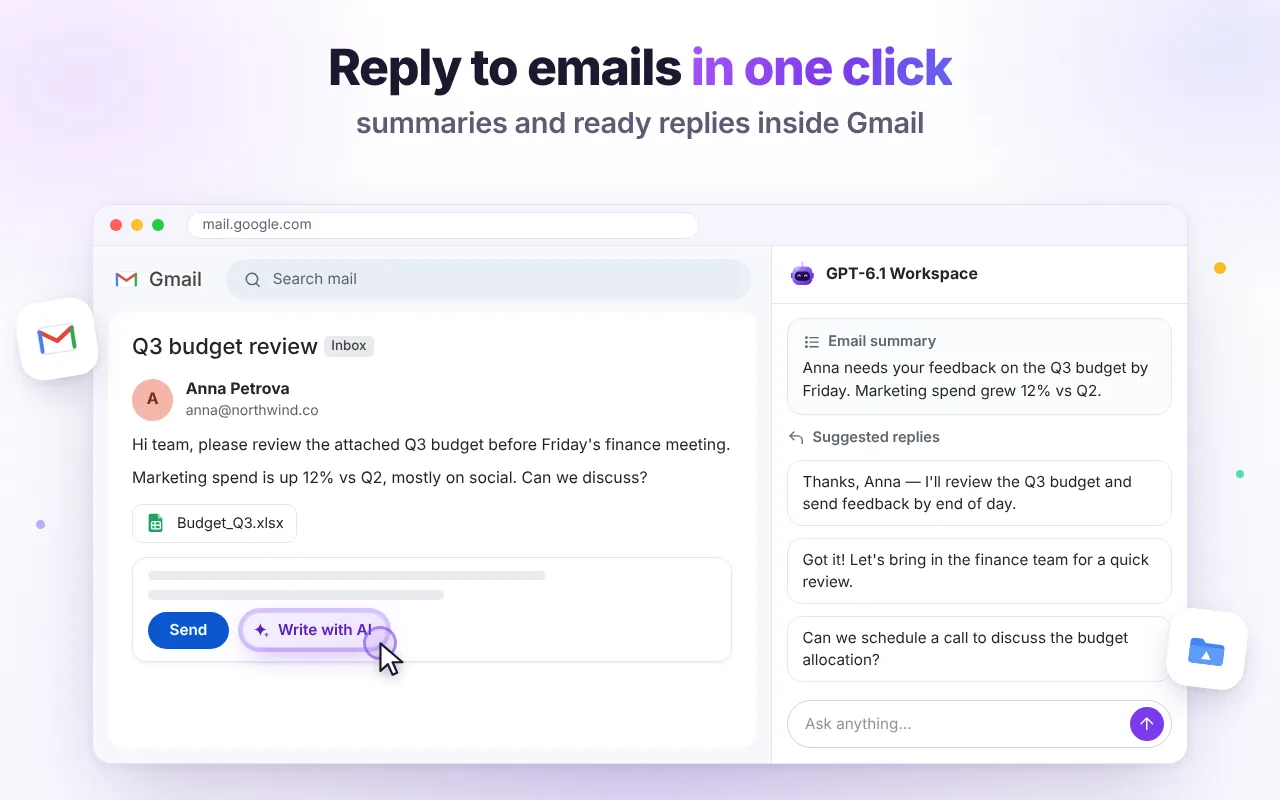
Replies that sound like you
Click Write with AI in any reply window. Pick a quick intent — accept, decline, thank, ask for details, follow up — or type your own instruction and choose a tone.
- Reads the whole thread so replies answer every question
- Uses your current draft as a starting point
- Insert into the compose box, regenerate or copy
Catch up on long threads in seconds
The Summarize chip next to the subject gives you who wants what, key facts and numbers, deadlines and what you need to do.
- Action items with owners and dates
- Translate a thread into your language
- Check the tone of your own draft before sending
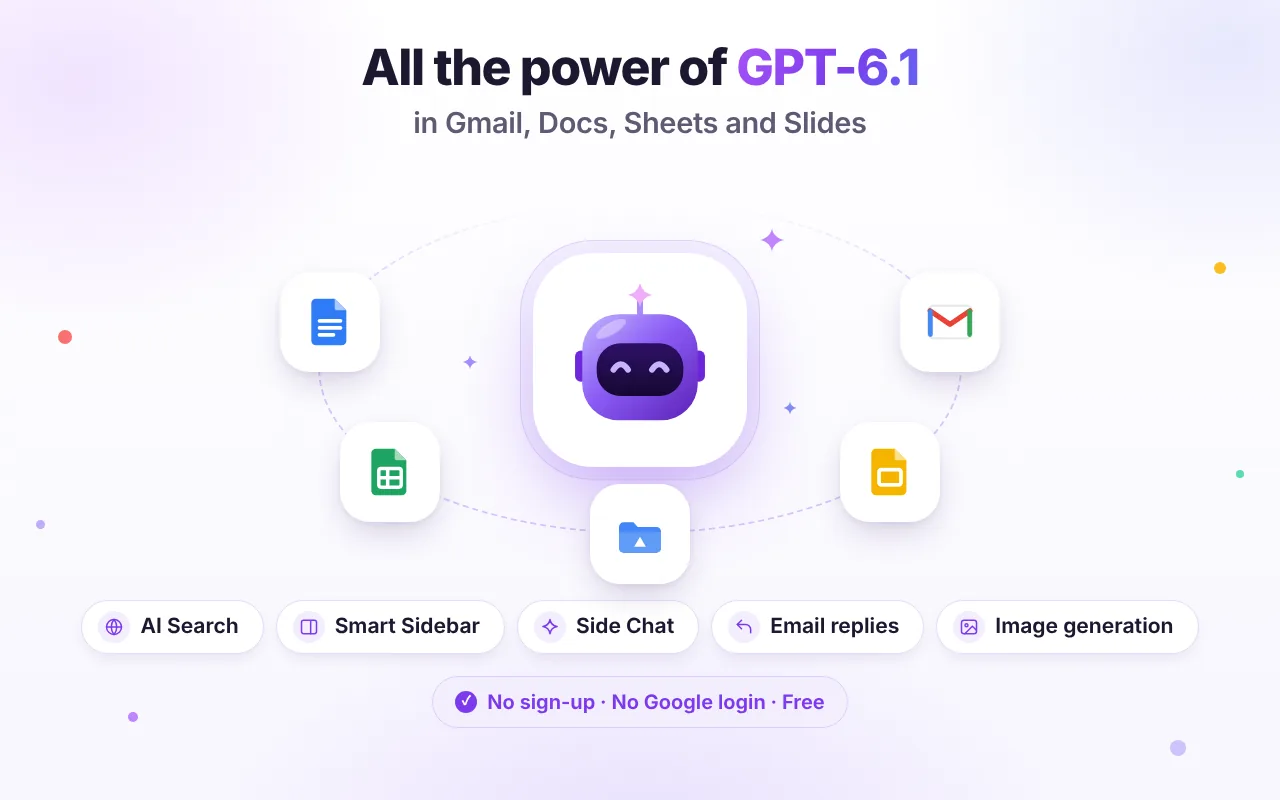
Ready-made actions, zero prompting
Every action reads the current context, so you don't have to explain what you're looking at.
Summarize thread
A short overview, decisions and deadlines.
Draft a reply
Friendly, professional and complete.
Action items
A checklist of tasks, owners and dates.
Translate thread
Into any of 10 interface languages or more.
Write a new email
Describe it; get subject and body.
Tone check
How your draft sounds and how to improve it.
Good to know
Does it need access to my Gmail account?
No. There is no Google sign-in and no Gmail API permission. The extension works on the Gmail tab you already have open and reads the thread only when you click an AI action or send a message with the page included.
Does it send emails for me?
Never. It inserts text into your draft. You review it and press Send yourself.
Can it write in other languages?
Yes. Replies follow the language of the thread or the language you ask for.
Is it free?
Yes — 60 AI messages per day are included at no cost. See limits.

Try it free in Chrome
Install once and the AI tools appear where you work. No sign-up, no Google login.